Is someone watching your hotel room?
Hidden cameras can hide in smoke detectors, vents, mirrors and alarm clocks. Use your iPhone to find hidden cameras and check any room in seconds.
- Works in seconds
- No extra hardware
- Your data stays private
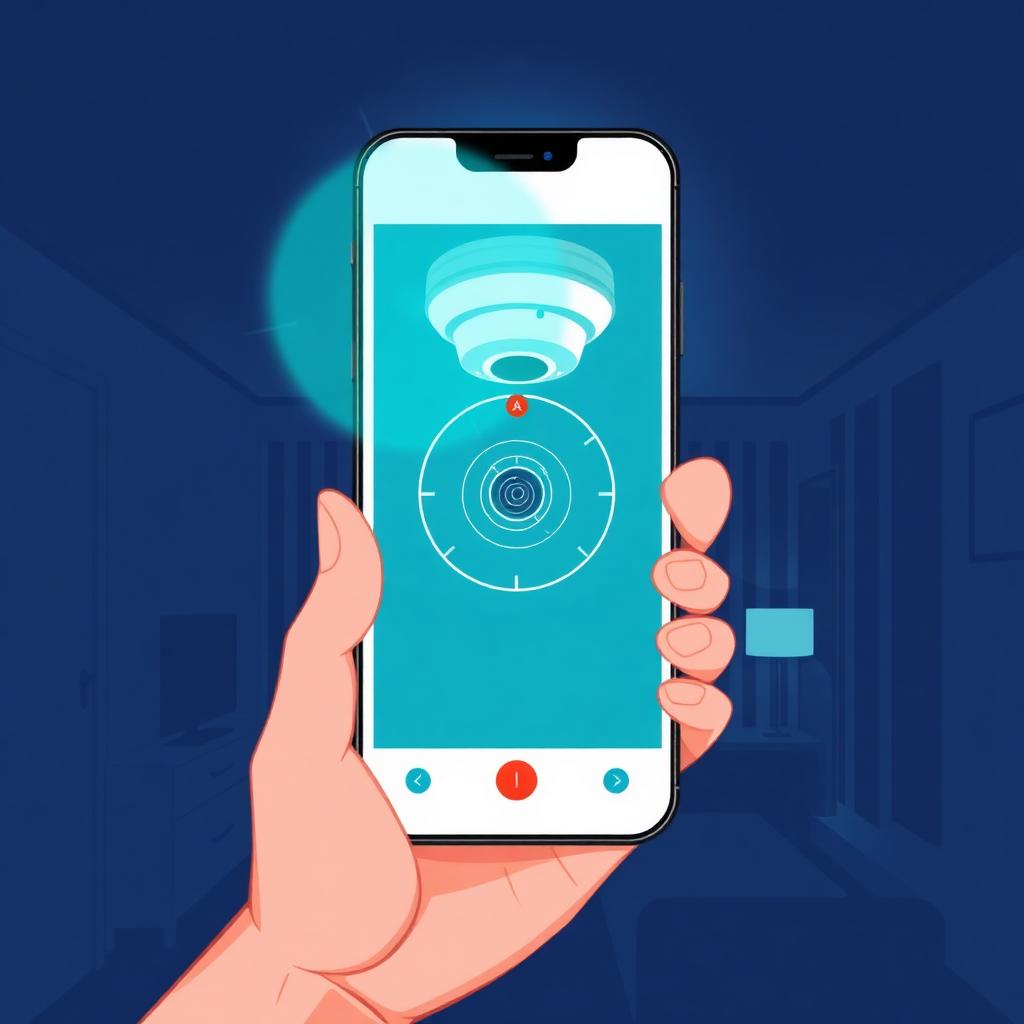
Hidden cameras are a real concern in places you don't control.
When you check into an unfamiliar hotel, rental or changing room, you're trusting a space someone else set up. It's natural to wonder who might have access, and a quick sweep can put your mind at ease before you settle in.
How it works
Three steps. Nothing to set up, nothing extra to buy.
Open and scan
Open the app and move your iPhone slowly across the room.
Spot the lens
The app highlights reflections and infrared cues from hidden camera lenses.
Check and relax
Inspect flagged spots and take back your privacy.
What the app does
Instant scan
Nothing to set up. Nothing extra to buy. Just open and start checking.
Lens and infrared detection
Reveal the lens reflections and infrared cues your eyes miss.
Guided sweep
Step-by-step guidance so anyone can do a thorough check.
Common hiding spots
Vents, mirrors, sockets, smoke detectors and alarm clocks.
Your data stays private
Your scans stay on your device.
Before you settle in, do a quick sweep.
What travelers are saying
4.8 on the App Store
2,300+ ratings
"I always feel uneasy in new Airbnbs. I did a quick sweep of the bedroom and bathroom and finally slept without that nagging worry."
Jessica M.
"Used it on a work trip across three hotels. Two minutes per room and it gave me real peace of mind."
Daniel R.
"Booked a last-minute rental for the family. I checked the smoke detector and the TV area before letting the kids settle in."
Megan T.
Hidden camera guides
All guidesHidden cameras in hotel rooms
A practical room-by-room sweep for spotting hidden cameras when you check into a hotel.
Read guideCheck an Airbnb
What the rules allow, where to look, and how to sweep a vacation rental on arrival.
Read guideDetect cameras with your phone
How to use your smartphone's camera and a detection app to spot hidden lenses.
Read guide